SDK Command Line Interface
Logfirecomes with a CLI for authentication and project management:
{{ logfire_help }}
Authentication (auth)
You need to be authenticated to useLogfire.
Abstract
If you would like to know how we process your data, please read Terms of Service and Privacy Policy | Privacy Policy》。:nerd_face:
To authenticate yourself, run the auth command in the terminal:
Logfire authentication
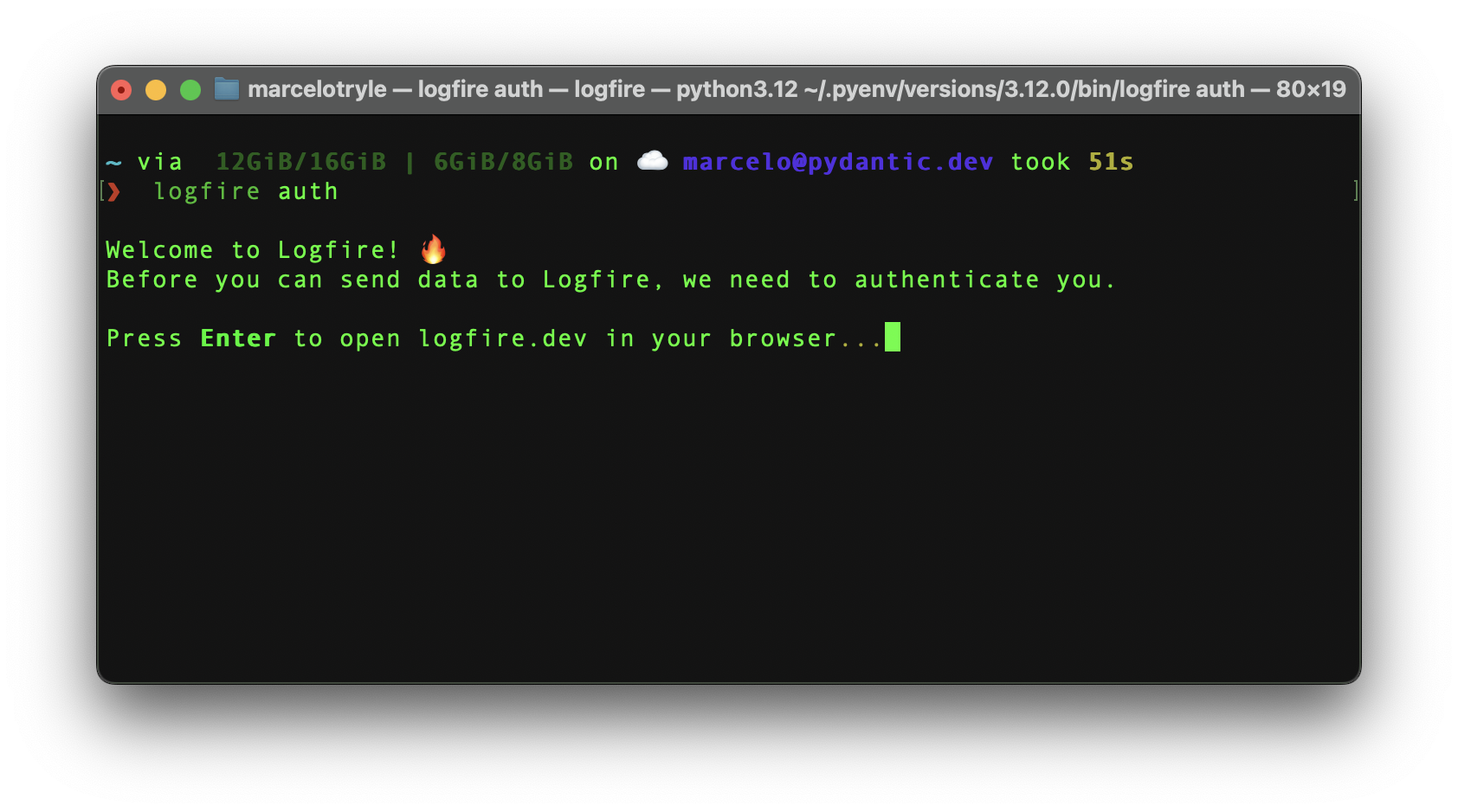
After pressing the “Enter” key, you will be redirected to your browser to log in to your account.
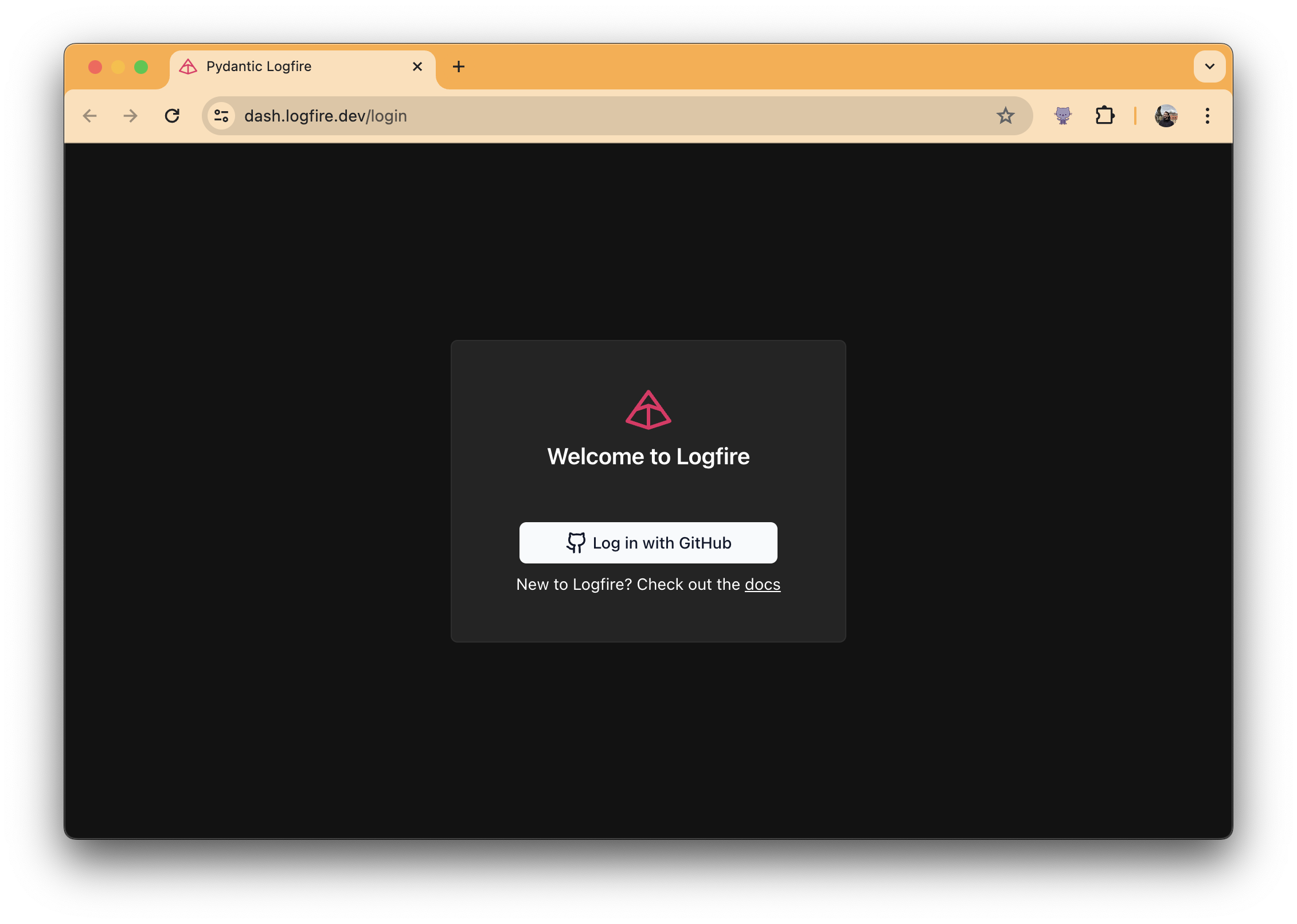
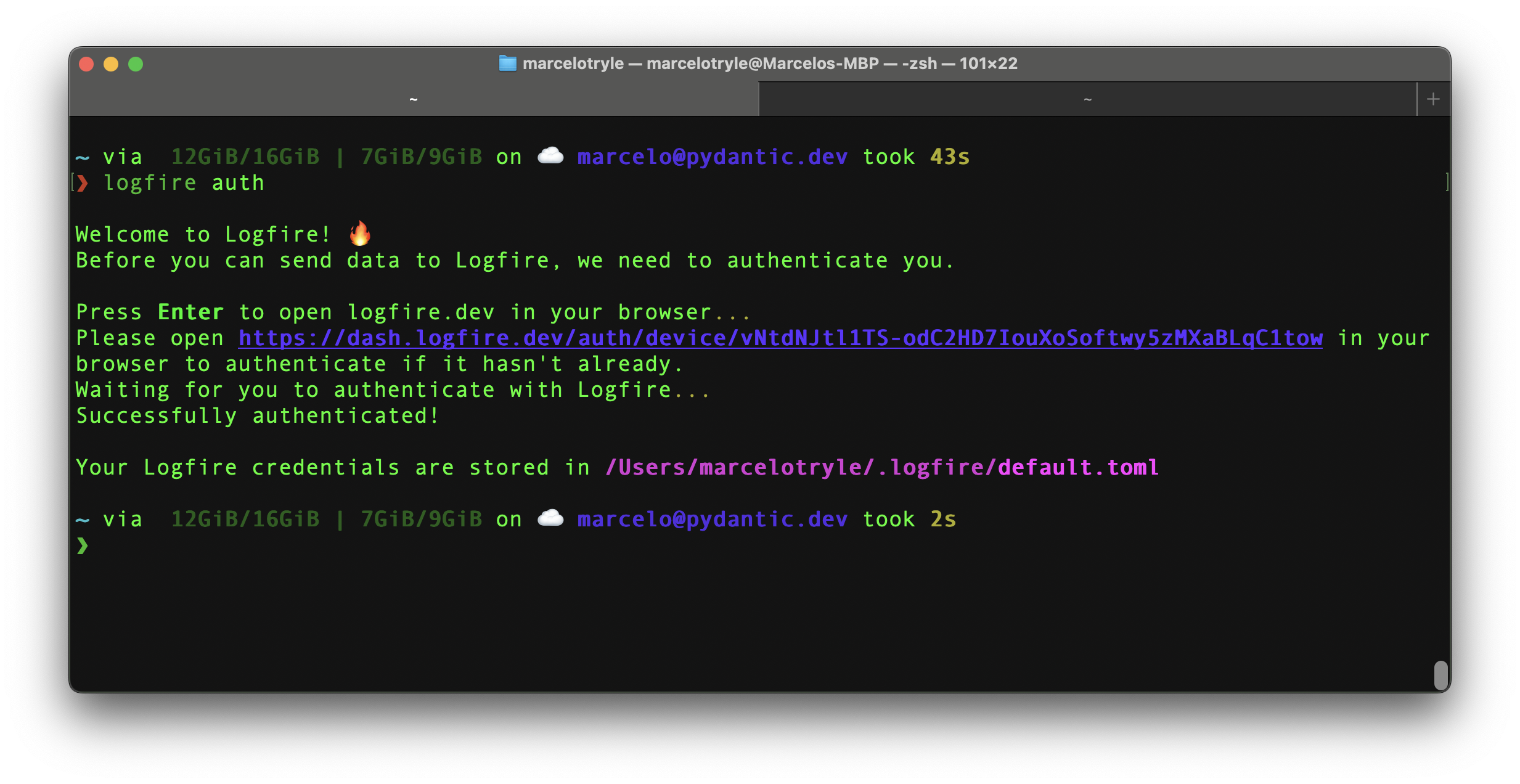
Then, if you return to the terminal, you will see that you have been authenticated!: Tada:
Backfill (backfill)
Warning
"Work in progress" This section has not been written yet, if you have any questions about please contact us.🚧
Clean (clean)
To clean upLogfirecreate most of_files for_, run the following command:
Logfire Cleaning
The clean command does not delete logs and authentication information stored in the ~/.logfire directory.
To delete logs at the same time, you can run the following command:
logfire clean --logs
Check (inspect)
The inspect command is used to identify missing OpenTelemetry instrumentation packages in your project.
To check items, run the following command:
logfire inspect
This will output the items you need to install to get the best OpenTelemetry detection.

Who am I (whoami)
Warning
"Work in progress" This section has not been written yet, if you have any questions about please contact us.🚧
project

List (项目列表)
To check the items you have access to, run the following command:
Logfire Project List
You will see something like this:
❯ logfire projects list
┏━━━━━━━━━━━━━━┳━━━━━━━━━━━━━━━━┓
┃ Organization ┃ Project        ┃
┡━━━━━━━━━━━━━━╇━━━━━━━━━━━━━━━━┩
│ Kludex       │ backend        │
│ Kludex       │ worker         │
└──────────────┴────────────────┘

Use (项目使用)
To use the created project, run the following command:
Logfire project usage
For example, to use the 后端 project, you can run:
Logfire project uses backend

Create (新建项目)
To create a new project, run the following command:
Logfire Project New
本文总阅读量次